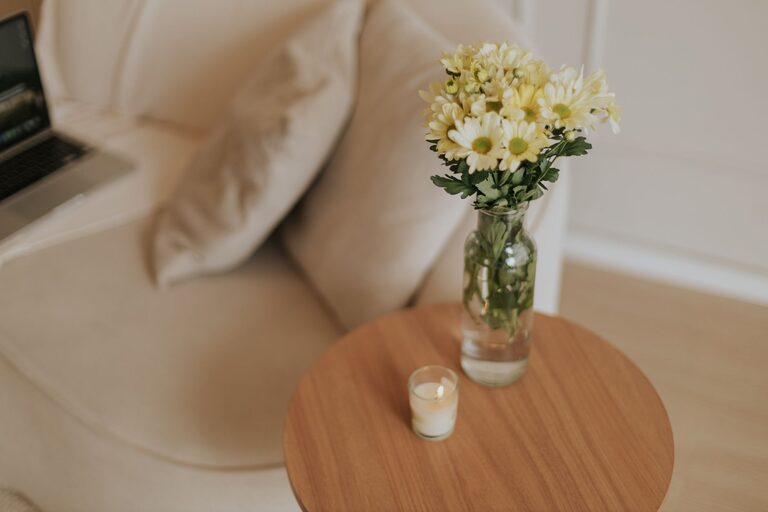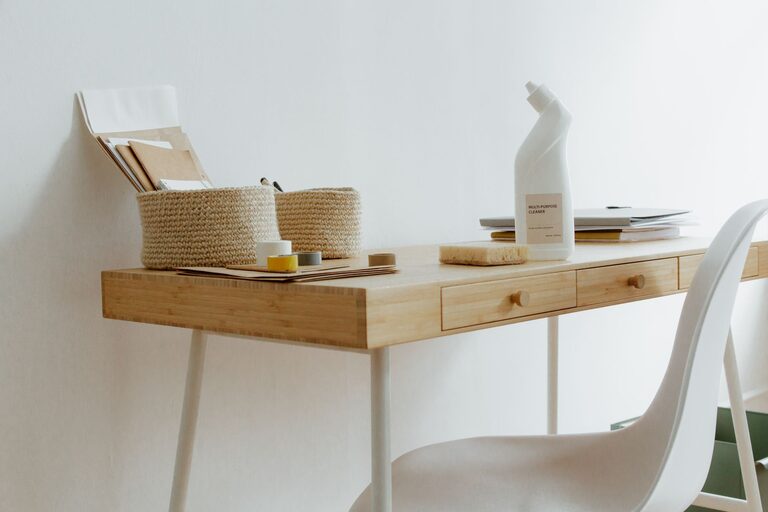






Creating a clutter-free home office can make a significant difference in your daily productivity and overall comfort. A well-organized space reduces distractions and helps you focus on your work. Whether you work from home full-time or need a designated area for occasional tasks, keeping your office tidy can boost your efficiency. Here are some practical tips to help you organize your home office effectively.
Why a Clutter-Free Home Office Matters
A clean and organized workspace promotes mental clarity and reduces stress. When your desk and surroundings are neat, you spend less time searching for things and more time completing important tasks. Additionally, a comfortable environment encourages better posture and reduces fatigue.
Step 1: Declutter Your Space
Begin by removing everything from your desk and office area. Sort items into categories: keep, toss, or relocate. Be honest about what you actually use.
– Keep essentials only: Items you use daily, such as your computer, notepads, and pens.
– Toss or donate: Old papers, broken gadgets, or duplicates you no longer need.
– Relocate: Things that belong elsewhere in your home.
This initial step frees up space and gives you a fresh start.
Step 2: Choose the Right Furniture
Select furniture that fits your space and supports good posture. Ergonomic considerations improve comfort during long working hours.
– Desk: A spacious desk with enough surface area for your computer and workspace.
– Chair: Invest in an adjustable chair that supports your back.
– Storage: Shelves, filing cabinets, or drawers to keep items organized and out of sight.
Arranging furniture thoughtfully can make the room feel open and inviting.
Step 3: Organize Supplies Efficiently
Keep your office supplies within reach but neatly arranged.
– Use drawer organizers for pens, paper clips, and other small items.
– Store files in labeled folders or binders for easy access.
– Consider vertical organizers or wall-mounted shelves to save desk space.
Having a place for everything helps maintain tidiness over time.
Step 4: Manage Cables and Technology
Cables can quickly create visual chaos. Take steps to keep them under control.
– Use cable clips or velcro ties to bundle cords.
– Position your computer and charger near power outlets.
– Hide cables behind desks or in cable management boxes where possible.
A neat tech setup improves both appearance and safety.
Step 5: Personalize Your Workspace Thoughtfully
Add personal touches that inspire you without cluttering the space.
– Small plants can brighten your desk and improve air quality.
– Framed photos or art should be minimal and not overwhelming.
– Use desk accessories that are both functional and visually appealing.
A personalized yet tidy workspace feels welcoming and motivating.
Step 6: Develop a Daily Reset Habit
Spend a few minutes at the end of each workday tidying your desk.
– Put away loose papers.
– Replace office supplies in their spots.
– Clear any trash or used items.
This routine prevents clutter from building up and prepares you for the next day.
Step 7: Utilize Digital Tools to Reduce Paper Clutter
Go paperless as much as possible.
– Scan important documents and save them digitally.
– Use task management apps to keep track of projects.
– Set up digital calendars and reminders.
Reducing paper helps keep your office cleaner and more organized.
Bonus Tips for Comfort and Productivity
– Lighting: Make sure your office has adequate lighting, ideally natural light, to reduce eye strain.
– Temperature: Keep the room at a comfortable temperature to stay focused.
– Break Area: If space allows, create a small area for stretching or relaxing during breaks.
By focusing on both organization and comfort, your home office becomes a place where you want to spend time and get work done.
—
A clutter-free home office doesn’t have to take hours to organize; it’s about creating a space that supports your workflow and wellbeing. By following these tips, you can enjoy a clean, comfortable environment that enhances productivity every day.